Select a character from the roster list.
Play Breakers today through the Breakers Collection (2023) or experience its original releases on Neo Geo AES/MVS and Neo Geo CD, as well as various legacy ports.
Breakers and Breakers Revenge are playable on Fightcade, the primary platform for online matchmaking with rollback netcode, spectator mode, and match replays.
The Breakers Discord is the main hub to find opponents, get advice, discuss advanced tech, and keep track of offline and online tournaments.


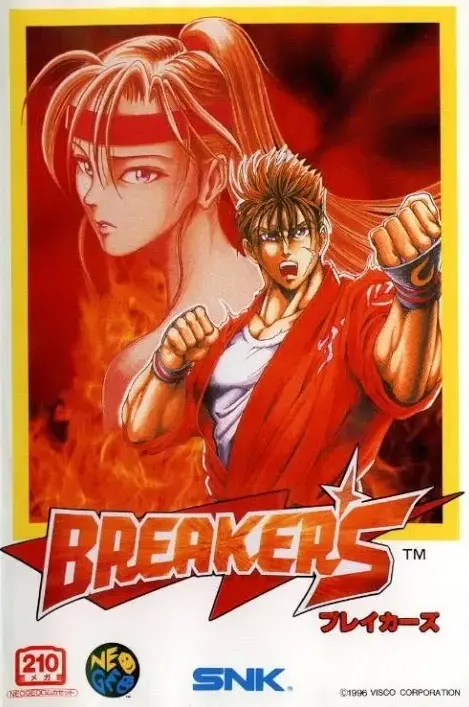
History began with the prototype Crystal Legacy, which later evolve into Breakers, a fast-paced and accessible fighting game built around intuitive and responsive controls. Its visual identity drew inspiration from established fighting game franchises of the era. Following its arcade debut on the Neo Geo MVS, the game was released on the Neo Geo AES and Neo Geo CD, with later the legacy port on Dreamcast bringing it to a wider audience.
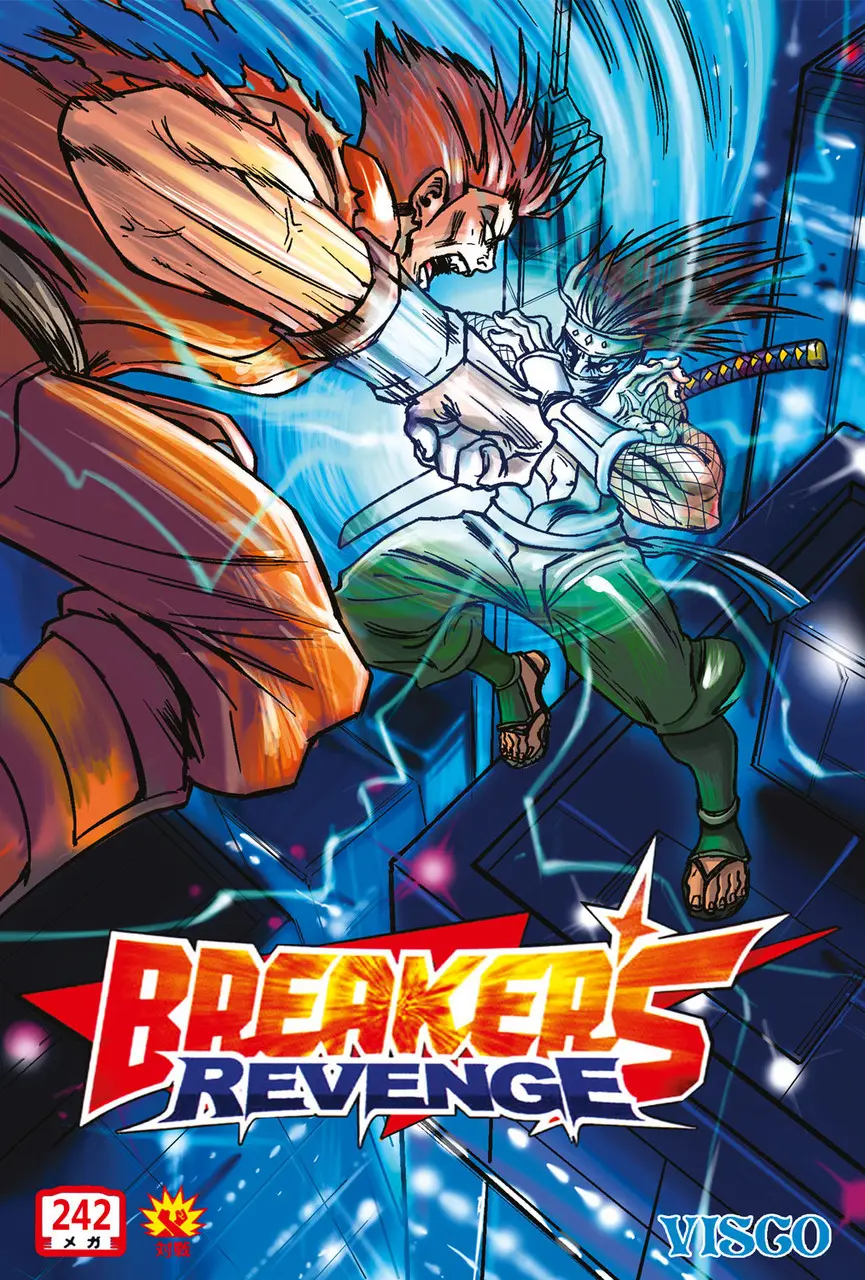
Breakers Revenge is building upon the original Breakers with roster balance adjustments, new stage designs, additional color palettes, and the introduction of a new character, the ninja Saizo. Today, Breakers Revenge remains the most actively played entry thanks to a dedicated online community and enduring competitive scene, making it the standard version for tournaments and online play,
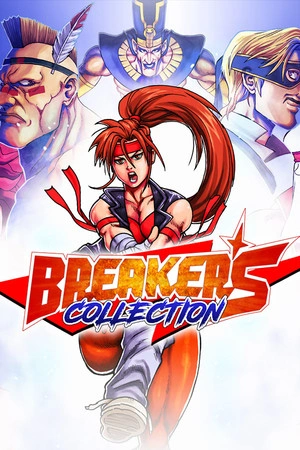
Breakers Collection is a modern compilation that brings together both Breakers and Breakers Revenge in a single package. Designed for modern platforms, it features rollback netcode, cross-platform play, ranked matchmaking, global leaderboards, and an interactive training mode. The collection also includes a dedicated art gallery, Team Battle mode, and various quality-of-life improvements
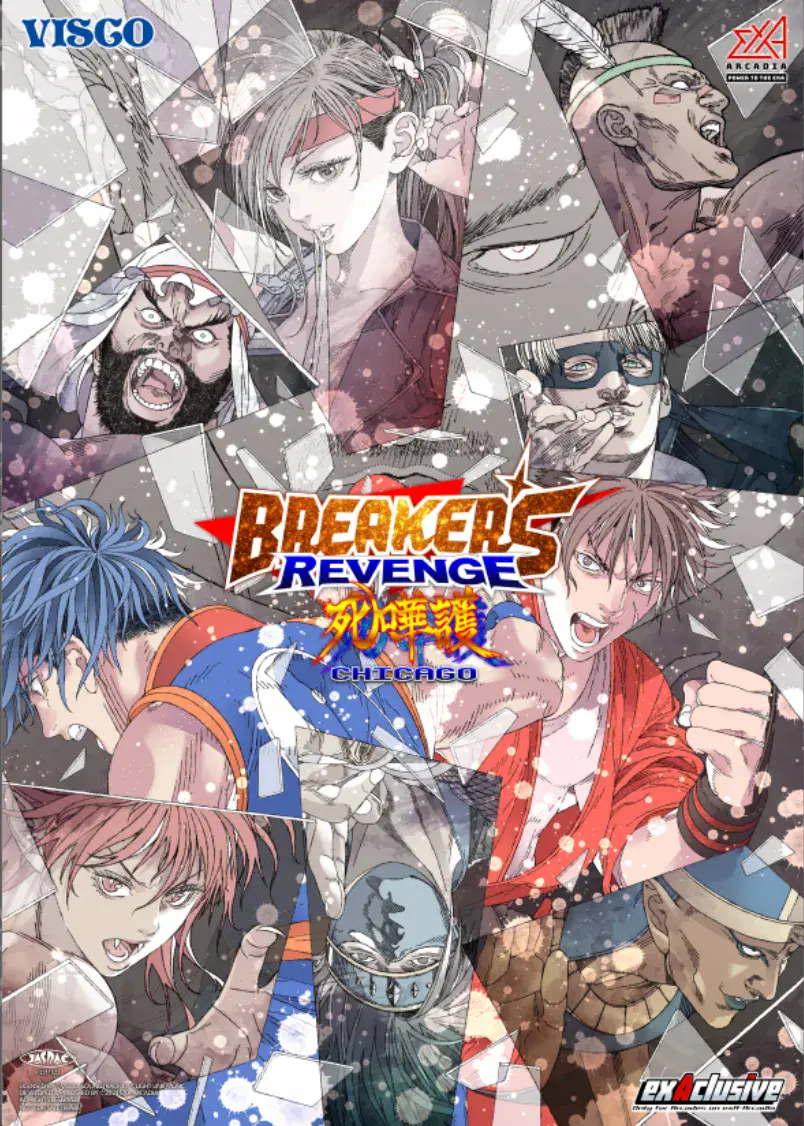
Breakers Revenge Chicago is an expanded version of Breakers Revenge with updated visuals, a remastered soundtrack, an enhanced training mode, and the addition of Bai-Hu as a playable character. This exclusive exA-Arcadia release includes three distinct game modes: Revenge, which recreates the original arcade version; Extra, based on the Neo-Geo CD release and Chicago, a rebalanced mode featuring gameplay adjustments such as short hops and additional tweaks.
Breakers is generally played on a square 4 button layout.
 or
or 
All characters (except Condor) can dash by tapping forward or back twice. Some characters have backdash invincibility and dash cancels.
( or ) + C
Throws are strong due to the absence of throw teching. At close range, it is also a great defensive option, allowing you to use them to break combos that start with a close jump-in.
Breakers features generous input buffers and versatile Super juggles. Every action builds meter, and each Super consumes 1 bar.
A+B+C
After a non-super hit, press 3 buttons while knocked down to back-roll and escape okizeme setups.
Taking repeated hits causes dizziness. Mash directional inputs and buttons to recover faster. Recovery grants brief invincibility.
Blocking special moves inflicts chip damage which can KO. Supers deal minimal chip damage.
When getting hit, interrupt certain combos with a reversal. Use breakable combos for extra damage on unaware opponents and unbreakable combos for guaranteed damage. Check the character combos section for examples.
Comeback mechanics in Breakers:
Damage + Defense boost on low life
The player with more health takes increased damage until the life bars equalize.
Damage boost by waiting
Up to double damage on your next hit.
Match winner penalty
The winner takes more damage, while the loser gains defense. The effect stacks with each win.
Available exclusively in Breakers Revenge Chicago, the Chicago rebalanced mode includes gameplay tweaks like short hops, character adjustments, and selectable close or far normals regardless of spacing.
Extra Mode is a feature originally from the Neo-Geo CD version that is also available in Breakers Revenge Chicago. It deeply modifies the game's rules to deliver wilder, faster, and more offense-oriented gameplay.
More info: supercombo.gg
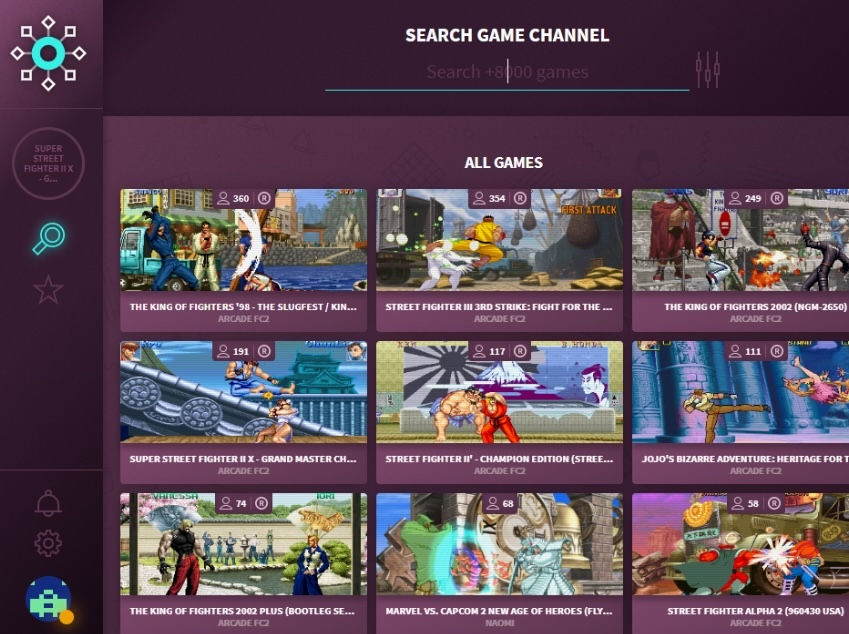
You need a Fightcade setup with the Breakers Revenge ROM installed.
TRAINING.
fcadefbneo.exe, then navigate to Game › Lua Scripting › Fightcade Training Mode.
Breakers Wiki covers core mechanics, character guides, combos, and matchup strategies.
For standard terminology, check The Fighting Game Glossary.
Want to contribute? Get in touch or submit a request on GitHub.
Join our Discord community to discuss strategies, share tech, and connect with other players!
Special thanks to the Breakers community for making this resource possible.